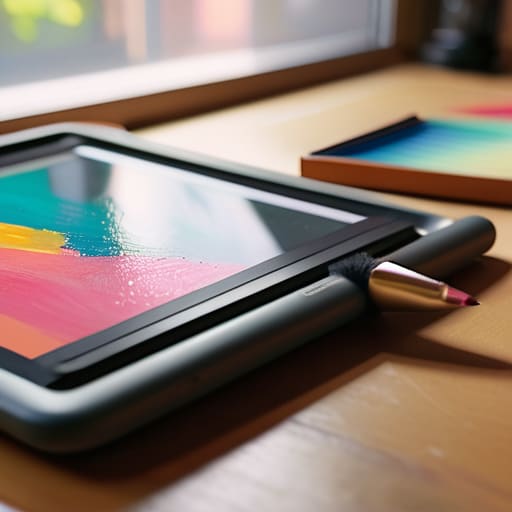
I remember the specific, tactile resistance of a heavy brush against a primed canvas, a sensation that felt like a conversation between my hand and the medium. Somewhere between the era of physical paste-ups and the current explosion of software, we lost that friction. Now, when I look at the endless marketing for new digital painting tools, I see a lot of noise promising “infinite creativity” through automation, but what I actually see is a layer of sterile glass standing between the artist and their intent. We’ve been sold the lie that more features equal more soul, when in reality, most of these interfaces just get in the way of the actual work.
I’m not here to walk you through a flashy list of every shiny new app on the market. Instead, I want to talk about the instruments that actually respect the way a human hand moves. I’m going to share my perspective on which digital painting tools offer true agency and which ones are just expensive distractions designed to automate the very things that make your work unique. Let’s find the tools that act as extensions of your vision, rather than replacements for it.
Table of Contents
- The Tactile Connection Mastering Graphic Tablet Stylus Technology
- The Great Debate Pen Display vs Graphics Tablet Workflows
- Beyond the Specs: Five Ways to Reclaim Intentionality in Your Digital Setup
- Intentionality Over Automation
- The Illusion of Seamlessness
- Finding Your Own Friction
- Frequently Asked Questions
The Tactile Connection Mastering Graphic Tablet Stylus Technology
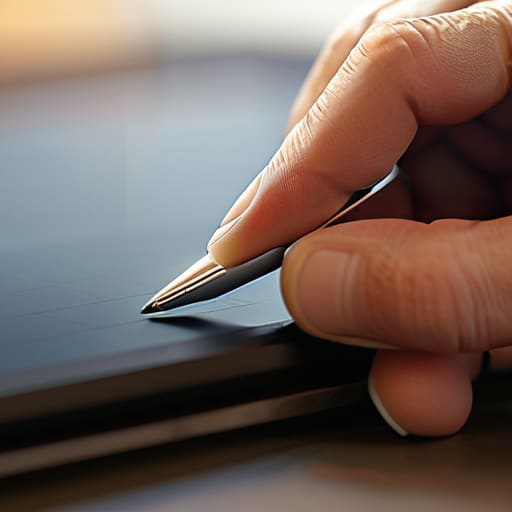
I spent my early years working with actual nibs and ink, so I tend to be skeptical of anything that feels too “frictionless.” When you’re working with modern graphic tablet stylus technology, the goal shouldn’t be to eliminate resistance, but to mimic it. If the pen glides across the surface like a hot knife through butter, you lose that vital connection between your intention and the mark on the screen. I always tell my clients to look for pressure sensitivity that feels intuitive, not just high-spec on a marketing sheet.
The debate of pen display vs graphics tablet often misses the point of how we actually compose. A pen display offers immediate visual feedback, which is great for speed, but there is something to be said for the spatial awareness you develop when looking up at a monitor while your hand works below. Regardless of your setup, the tool should feel like an extension of your nervous system. We aren’t just clicking pixels; we are translating physical energy into digital form. If the hardware feels like a barrier rather than a bridge, it’s time to rethink your kit.
The Great Debate Pen Display vs Graphics Tablet Workflows
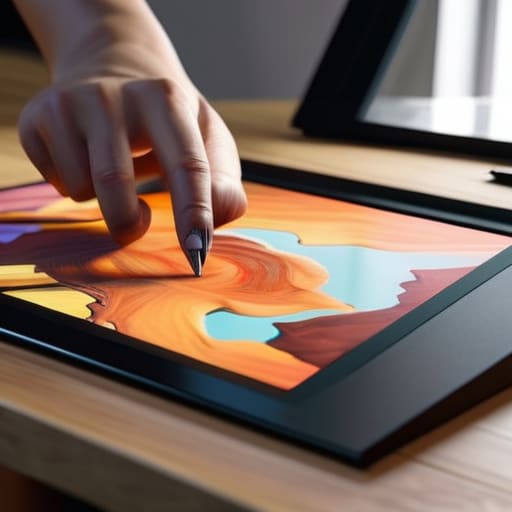
The choice between a pen display and a traditional graphics tablet often feels like choosing between a drafting table and a lightbox. When I first transitioned from physical paste-ups to a digital workflow, I felt a profound sense of loss regarding spatial awareness. With a standard tablet, your hand moves on a desk while your eyes stay fixed on the monitor. It creates a cognitive decoupling that, once mastered, actually improves your posture and allows for a much broader range of motion. You aren’t hunched over a glowing screen; you are navigating a landscape.
However, there is no denying the immediate gratification of a pen display. The ability to see your stroke exactly where the nib meets the glass simplifies complex tasks like rendering digital textures or fine-tuning delicate line work. But this proximity comes with a trade-off: the temptation to “zoom in” too much. I find that the most disciplined artists use the pen display for detail work while relying on the traditional tablet for the foundational gestures of a piece. It isn’t about which tool is superior, but which one forces you to maintain the intentionality of your movement.
Beyond the Specs: Five Ways to Reclaim Intentionality in Your Digital Setup
- Stop chasing the highest pressure sensitivity numbers; focus instead on the friction of the nib against the surface. A surface that feels like glass is a recipe for a disconnected hand, so consider matte screen protectors or textured films to mimic the resistance of paper.
- Curate your shortcuts to mirror your physical muscle memory. If you’re used to reaching for a specific brush or a way of blending in a sketchbook, don’t let a complex menu system break your flow—map your most vital tools to a physical dial or a programmable keypad.
- Treat your stylus as a precision instrument, not a disposable peripheral. Keep a small kit of replacement nibs and cleaning cloths nearby; the moment your connection to the tool feels “mushy” or unresponsive, your creative intuition will start to stutter.
- Resist the urge to automate your stroke stabilization. While software can smooth out a shaky line, over-reliance on “perfect” smoothing erases the character and the “human error” that gives a piece its soul. Set it to a minimum and learn to trust your own hand.
- Build a workspace that respects your ergonomics. Digital painting is a physical act, and if you are hunched over a tablet in a way that feels unnatural, your work will eventually suffer from the same tension. Invest in a stand that brings your canvas to your eye level, not your chest.
Intentionality Over Automation
Don’t let the software dictate your stroke; choose hardware that mirrors the physical resistance and nuance of a real pen on paper.
The choice between a pen display and a tablet isn’t about which is “better,” but about which workflow preserves your focus and respects your natural hand movement.
True mastery comes from using digital tools to extend your creative intent, not from searching for a shortcut that bypasses the necessary friction of the craft.
The Illusion of Seamlessness
We shouldn’t be chasing software that promises to erase the struggle of creation; we should be looking for the tools that actually let us feel the resistance of the stroke, because that friction is exactly where the soul of the work lives.
Ingrid Bellamy
Finding Your Own Friction
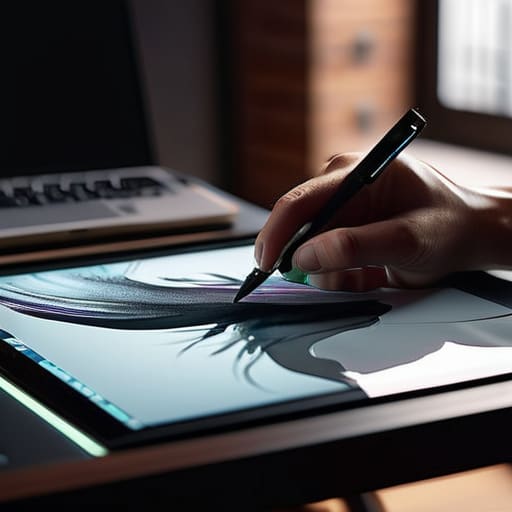
Choosing between a pen display that mimics the intimacy of paper or a traditional tablet that demands a more disciplined, decoupled workflow isn’t about finding the “best” technology on the market. It’s about understanding how your own nervous system interacts with a digital surface. We’ve explored how stylus pressure sensitivity can bridge the gap between intent and execution, and how the physical setup of your desk dictates the rhythm of your creative sessions. Ultimately, the right tool is the one that disappears into the background, allowing your technical decisions to focus on the composition and the line rather than the struggle against the hardware.
As we move further into an era where automation threatens to smooth over every beautiful imperfection, I urge you to lean into the resistance. Don’t seek out the software that promises a perfect, effortless result at the click of a button. Instead, seek out the tools that allow you to honor the friction of the human hand. Whether you are working on a high-end Cintiq or a modest Wacom, remember that the soul of your work lives in the subtle, unrepeatable tremors of your own movement. Technology should be your collaborator, not your replacement. Keep your sketchbook close, keep your eyes observant, and never let the digital interface dull your sense of intentional craftsmanship.
Frequently Asked Questions
How can I bridge the gap between the physical resistance of paper and the slickness of a glass screen?
It’s the “ice skating” effect—that frictionless glide that makes you feel disconnected from your own strokes. To fix it, stop fighting the glass and start adding texture. I always recommend high-quality matte screen protectors; they introduce a subtle, toothy drag that mimics paper. Pair that with a felt-nib stylus if your hardware allows it. You aren’t just looking for friction; you’re looking for the resistance that tells your brain where the line actually lives.
Is it worth investing in high-end professional software when most of my work relies on intuitive, gestural movement?
Software shouldn’t be a barrier between your brain and the canvas. If you’re working intuitively, you don’t need a bloated suite of features you’ll never touch; you need responsiveness. Invest in tools that offer low latency and high-fidelity brush engines—software that feels less like a math equation and more like charcoal on paper. If the tool fights your natural gestures, it’s not a professional instrument; it’s just expensive friction.
How do I prevent digital shortcuts from eroding the fundamental sketching skills I spent years developing?
Don’t let the software become your crutch. I make it a rule to spend the first thirty minutes of any new project with nothing but my sketchbook and a fountain pen. There is a specific, necessary friction in physical media that digital shortcuts simply bypass. By forcing yourself to commit to a line on paper before you ever touch a stylus, you ensure your hand is leading the design, not the algorithm.
